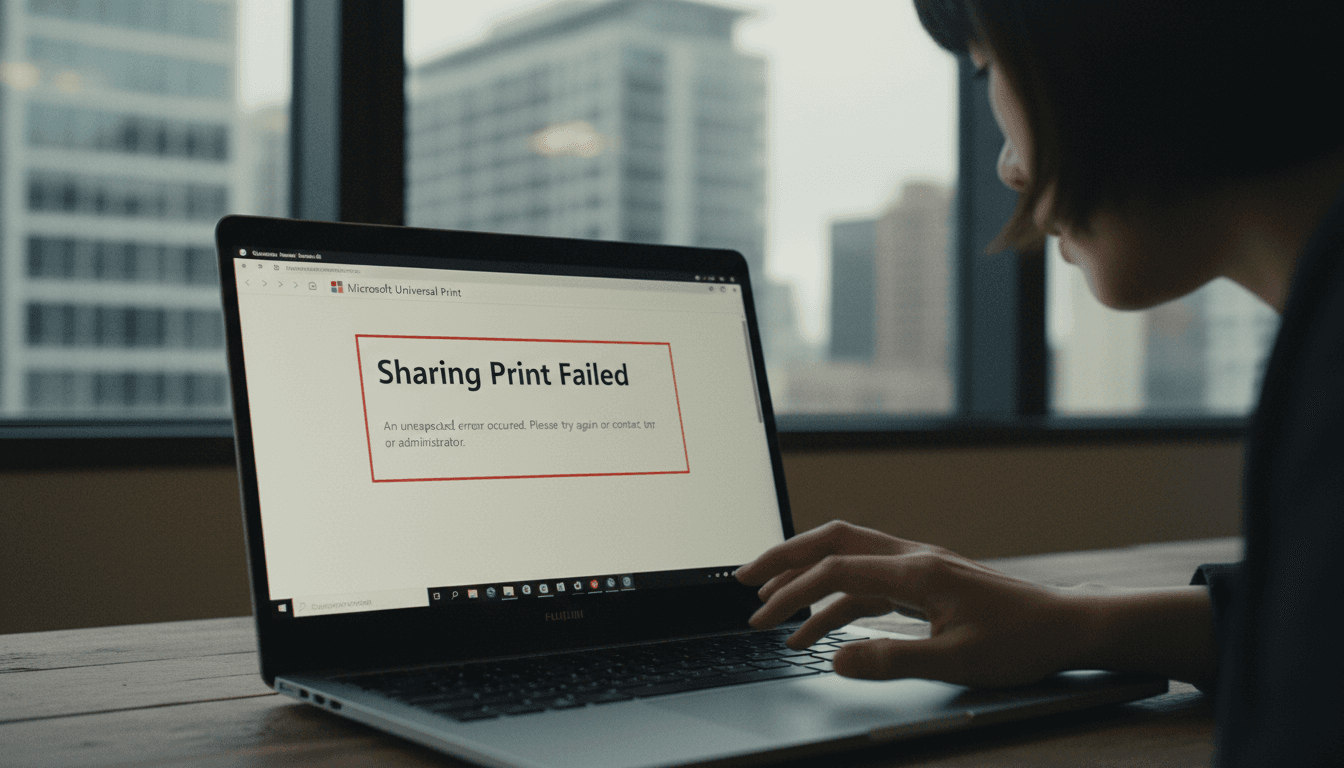
Microsoft Universal Print issues, preventing users from creating certain printer shares, have been attributed to a recent code alteration within the Microsoft Graph API. Identified as incident UP1287359, this problem manifests as intermittent “Sharing Print Failed” errors in the Universal Print portal when users attempt to establish printer shares.
Universal Print, a cornerstone of Microsoft’s cloud-based printing strategy, is designed to modernize print infrastructure for Microsoft 365 customers. It offers a centralized, serverless approach to print management, allowing organizations to streamline operations and users to easily discover printers by location, effectively replacing traditional on-premises print servers.
The Root Cause: Graph API and Race Conditions
Microsoft has clarified that the core of the problem lies with a code error introduced by a recent Microsoft Graph API code change. This error inadvertently increased Entra ID directory replication latency, subsequently exposing a pre-existing race condition within Universal Print’s share creation flow. The consequence? Retry logic fails, and the share operation cannot complete as anticipated. The Microsoft Graph API is indispensable for Universal Print, facilitating critical functions such as printer and share management, configuration of printer capabilities, handling print jobs, and managing user and group access.
“The underlying issue exposed a pre-existing race condition within Universal Print’s share creation flow, leading to failed share operations.”
The problem specifically impacts users attempting to create printer shares with the “Allow all users in my organization” toggle enabled, or when specific users or groups are selected during the share creation process. While the exact number of affected users or regions remains undisclosed by Microsoft, the flagging of this as an incident underscores its critical nature and noticeable impact on service functionality.
Mitigation and Future Resolution for Microsoft Universal Print Issues
Microsoft is actively deploying a code change to rectify this error. In the interim, they have provided a comprehensive 13-step mitigation procedure for affected users. This workaround involves creating the printer share without initially checking “Allow all users in my organization” and without selecting any specific users or groups. Users are then advised to wait 30 seconds for the share to propagate before proceeding to configure access controls. This temporary solution aims to bypass the race condition and allow for successful share creation, albeit with an additional step.
The incident highlights the complex interdependencies within Microsoft’s cloud ecosystem and the critical role APIs play in service stability. As organizations increasingly rely on cloud-first solutions like Universal Print, the swift identification and resolution of such issues are paramount for maintaining operational continuity and user trust. Microsoft’s proactive communication and provision of a workaround demonstrate their commitment to minimizing disruption while a permanent fix for Microsoft Universal Print issues is rolled out.